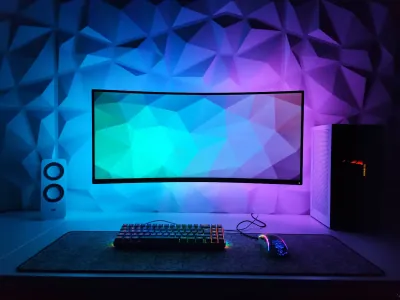
You spend hours in front of your screen, and your wrist starts complaining - twinges, tension, even persistent pain after a long workday or gaming session? It’s not inevitable. The ergonomic wrist-rest mouse pad is one of the most underestimated PC-setup accessories, even though it can radically transform your daily comfort. At BuddyPad, we see it regularly: many users invest in a high-end keyboard or mouse, but completely neglect their wrist support. Yet according to several workplace ergonomics studies, more than 50% of musculoskeletal disorders related to office work concern the wrist and forearm. This article explains why and how to choose the right model to durably relieve your pain.
Why does your wrist suffer in front of a screen?
The mechanics of the problem
When you use a mouse without proper support, your wrist rests directly on the edge of a desk or an ordinary pad. This position compresses the carpal tunnel, a narrow passage through which the median nerve and tendons pass. Over time, this repeated compression can cause carpal tunnel syndrome, a condition now recognized as an occupational illness in many countries.
A simple posture change isn’t always enough. What’s needed is a support point that keeps the wrist slightly elevated and in the natural axis of the forearm, so the median nerve isn’t crushed.
The intensive gaming case
Players are particularly exposed. Sessions of 4 to 6 hours in a row, with fast and repetitive movements, multiply the risk of microtrauma. We see it on our blog: questions about wrist pain after gaming sessions come up very regularly in reader comments and searches.
A well-designed wrist rest can reduce pressure on the median nerve by nearly 30% according to some ergonomic studies.
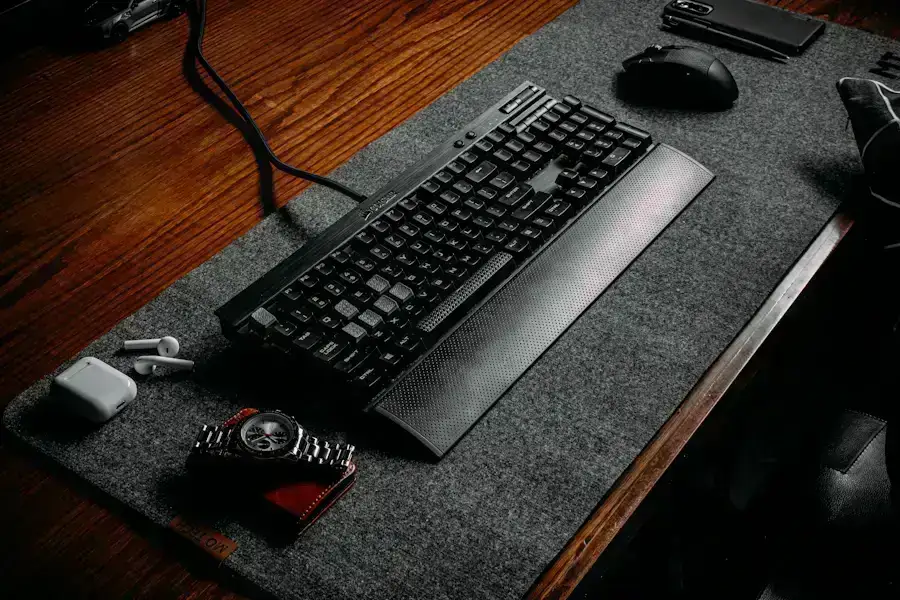
The different types of wrist rests: which to choose?
Foam, gel or cloth?
The market mainly offers three cushioning materials:
- Memory foam - It progressively adapts to your wrist’s morphology and offers consistent support. Ideal for long office use.
- Gel - Firmer and cooler to the touch, gel is often preferred by gamers seeking precise support without excessive sinking.
- Thick cloth - Less technical, but pleasant for short sessions or a tight budget.
To go further on material and dimension choice, see our full guide how to choose your mouse pad: it covers all the essential criteria so you don’t make a mistake.
Built-in wrist rest or separate accessory?
Some pads offer a built-in wrist rest, generally as a cushioned roll on the lower edge of the pad. It’s the most practical solution: a single glide surface, a single accessory to place. Others prefer a separate pad, freely positionable, which can also serve in front of the keyboard. Both approaches are valid; it all depends on your desk configuration and how you work.
The criteria of a good ergonomic wrist-rest mouse pad
Roll height and firmness
This is the most crucial point. A wrist rest that’s too tall forces the wrist into hyperextension, which is just as harmful as no support at all. The ideal height is generally between 15 and 20 mm, depending on your hand size and mouse height. Firmness must be enough not to fully compress under the wrist’s weight, without being rigid to the point of creating a localized pressure point.
Glide surface and stability
An ergonomic pad mustn’t sacrifice glide quality to comfort. Check that the surface stays smooth and even at the junction with the roll. The non-slip base is also essential: a pad that slides on the desk negates all ergonomic benefits. To understand how these accessories fit into a global health approach, our article on the ergonomic pad for health develops this topic precisely.
Format and compatibility with your setup
If you have a large desk or a multi-screen setup, an XXL pad with built-in wrist rest can cover mouse and keyboard on a single surface, for perfect visual and functional coherence. If your space is more constrained, a compact model with a side roll will suffice. To optimize your entire space, we recommend reading our guide to setting up your workspace: it’ll give you an overview to create a truly functional station.
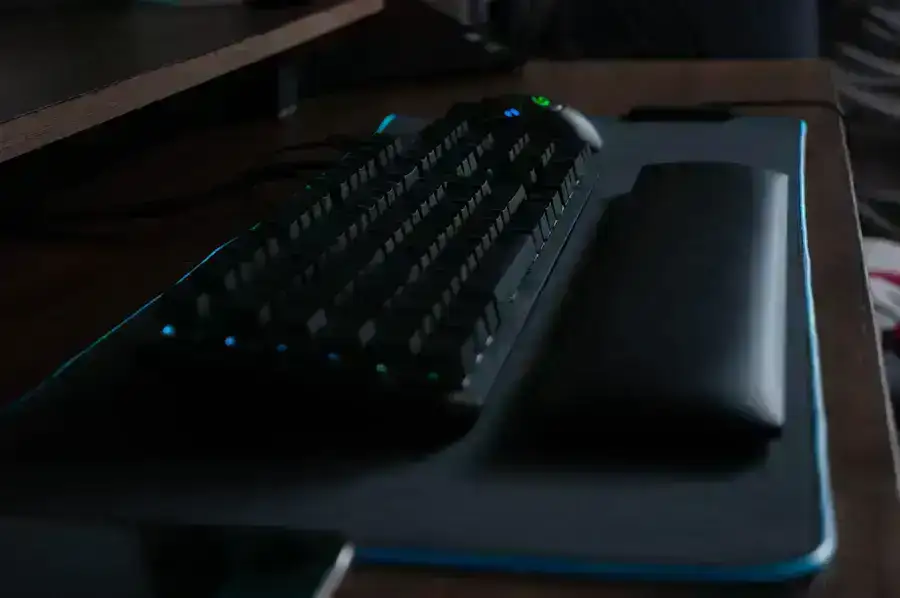
Our usage tips to maximize comfort
Having the right pad isn’t enough if you use it wrong. Here are the best practices to adopt immediately:
- Rest your wrist, not your palm, on the wrist rest during pauses, not during active movement.
- Keep your forearm in the extension of your hand, without lateral deviation.
- Take breaks every 45 minutes - raise your arms, stretch your wrists, rotate them.
- Adjust your chair height so your elbows are at 90° to the desk.
The golden rule: the wrist rest is for resting, not action. Lift your wrist when you move the mouse, place it down only when you take a pause.
Frequently asked questions
Is a wrist rest also suitable for the keyboard?
Yes, absolutely. Many models are designed specifically to be placed in front of the keyboard. They work on the same ergonomic principle: keeping the wrist in neutral alignment to avoid median-nerve compression while typing.
Is gel really more effective than foam for the wrist?
Not necessarily. Gel offers firmer support and a cooling effect appreciated during long sessions, while memory foam adapts better to varied morphologies. The best material remains the one matching your use and wrist shape.
Can you use a wrist-rest pad even if you don't yet have pain?
Absolutely, and it's even the best approach: adopting an ergonomic pad preventively helps avoid musculoskeletal disorders before they set in, rather than waiting to suffer to act.
Conclusion
An ergonomic wrist-rest mouse pad isn’t a comfort gadget - it’s an investment for your long-term health. Whether you’re a gamer, remote worker or office professional, the stake is the same: protect your wrist before pain settles in lastingly. At BuddyPad, we’ve selected the best models for every profile and every budget. Discover our selection and find the ideal pad for your setup - your wrist will thank you in the first hours.