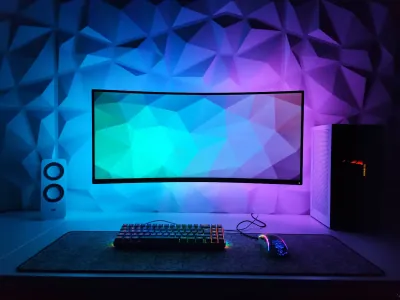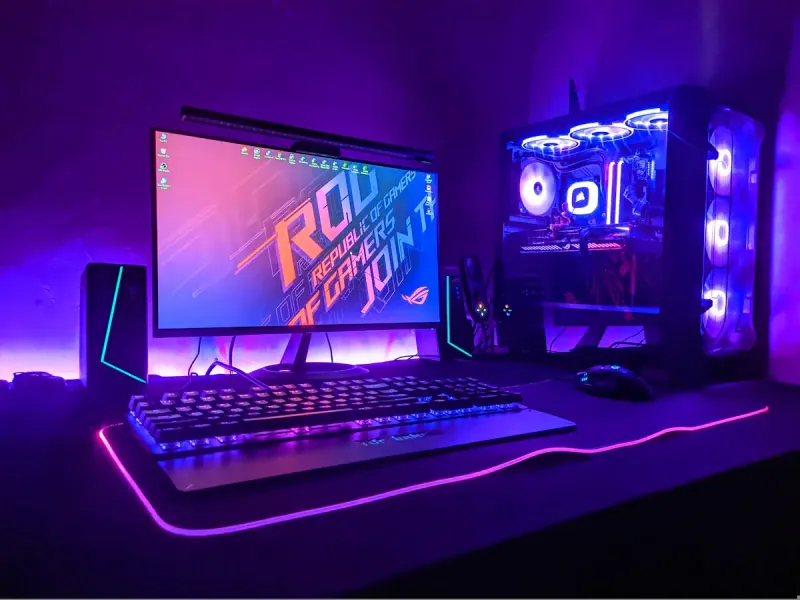
Imagine a wireless gaming mouse dying mid-match - no battery, zero responsiveness. What if your mouse pad could become a charging station itself? That’s exactly what wireless charging mouse pads deliver, an innovation that radically transforms the experience for gamers and creatives alike. These accessories combine the optimal glide surface of a gaming pad with inductive charging technology, keeping your peripheral at 100% battery at all times. At BuddyPad, we’ve closely followed this category’s emergence since its inception, and we can confirm the market has matured significantly. Gone are the gimmicky solutions: today’s models offer stable charging, professional-grade surfaces, and designs built for the most demanding setups.
How does a wireless charging mouse pad work?
The technology behind these pads relies on the principle of electromagnetic induction charging. A transmitter coil is integrated directly into the pad’s surface - typically beneath the cloth or hard plastic layer - and communicates with a receiver coil housed inside the compatible mouse. Transmitted power typically ranges between 5W and 10W, depending on the manufacturer, allowing a full recharge in 2 to 4 hours based on the mouse’s battery capacity.
The two main integrated charging technologies
- Qi standard: universal protocol, compatible with many devices but sometimes limited in power output for gaming mice.
- Proprietary manufacturer systems: solutions like Logitech’s Powerplay or Corsair’s SlipStream, optimized for continuous and stable charging performance.
Continuous charging during gameplay is the real advantage: your mouse never drops to 0%, even during 8-hour sessions.
One important constraint must be noted: hardware compatibility. Most of these pads only work with mice from the same brand or product line. Before purchasing, always verify precisely which mice are supported.
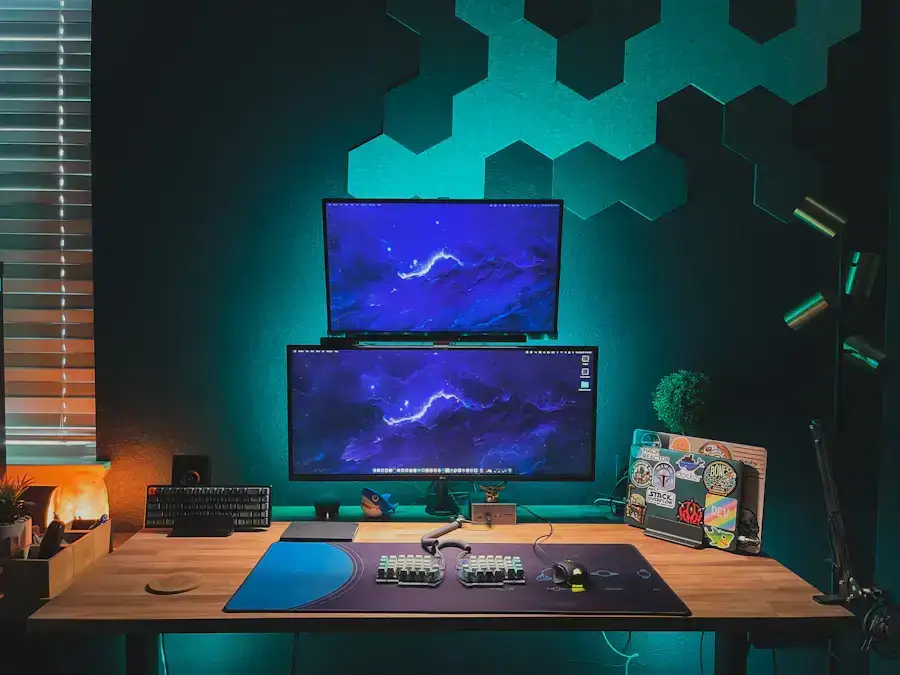
Top models on the market in 2025
The wireless charging pad segment has grown with several solid options. Here are the most representative profiles we’ve tested and analyzed at our blog.
Logitech G Powerplay - the established benchmark
The G Powerplay remains one of the most refined solutions. Compatible with the G Pro X Superlight, G502 X Plus, and other recent models, it uses a removable module that slides beneath the included cloth or hard surface. Charging is continuous and invisible, with no gameplay interruption. Its surface measures 344 x 280 mm, suitable for most configurations.
Corsair MM1000 - the serious alternative
Corsair’s solution relies on Qi technology and offers a 350 x 260 mm waterproof cloth surface. Its compatibility with Dark Core RGB Pro mice makes it a logical choice for full-Corsair setups. Charging power reaches 10W, which is valuable for quick recharges between matches.
RGB induction models
If you want to combine charging with illuminated aesthetics, XXL RGB pads with integrated Qi coils are starting to appear on the market. To learn everything about this trend, check out our dedicated guide to RGB mouse pads comparing the best options for lighting up your setup.
Essential criteria for choosing your rechargeable pad
Before investing - these pads typically cost between €60 and €120 - several points deserve particular attention. We’ve synthesized these from our community feedback and our own testing.
Surface: cloth or hard?
- Cloth: better grip, softer feel, ideal for low-DPI players who value control.
- Hard pad: faster glide, easier maintenance, favored by high-DPI FPS players.
Mouse compatibility: non-negotiable point
This is criterion #1. A rechargeable pad incompatible with your mouse is just an ordinary pad sold at two to three times the price. To deepen your thinking on selection criteria, our complete guide to choosing a mouse pad will walk you through step by step.
Cable and power management
These pads require permanent USB power. Plan for cable routing on your desk, and if possible choose a model with reinforced braided cable. Standard length is 1.8m, sufficient for the vast majority of setups.
Maintenance and durability: protecting your investment
A rechargeable pad represents a serious investment, and its maintenance directly determines its longevity - for both the surface and integrated electronics. Never submerge the pad in water, unlike some standard pads. Cleaning should be done dry or with a slightly damp cloth, carefully avoiding areas near connectors and induction coils. For a complete guide with precise techniques, check our advice for maintaining your charging pad without damaging the embedded electronics.
Average lifespan of integrated induction coils exceeds 3 years of intensive use if the pad is handled correctly. Avoid liquids, excessive heat, and strong mechanical pressure on charging zones.
Frequently asked questions
Does a wireless charging mouse pad work with any mouse?
No, compatibility is often limited to mice from the same brand or product line. Always check the list of supported mice before purchase, as an incompatible pad won't charge your peripheral.
Does wireless charging affect mouse performance during gameplay?
On quality proprietary systems like Logitech's Powerplay, no additional latency is introduced by charging. The mouse's wireless connection remains completely independent from the charging circuit.
What budget should I plan for a good rechargeable mouse pad?
Expect between €60 and €120 for a reliable model with effective charging and quality gaming surface. Models below €50 often have significant limitations in compatibility or charging power.
Conclusion
Wireless charging mouse pads represent a concrete evolution for any gamer or professional wanting to permanently eliminate battery anxiety. Compatibility, surface, charging power, and budget are the four pillars of a successful choice. At BuddyPad, we rigorously select each product to guarantee quality and consistency with your setup. Ready to take the leap? Explore the BuddyPad selection and find the ideal pad for your configuration - your mouse will thank you.