Spending eight hours a day in front of a screen without thinking about your posture is the most common mistake in modern offices. Yet neck and back pain now affects nearly 80% of sedentary workers according to INRS. What many still don’t realize is that the mouse pad, posture, and office ergonomics form an inseparable trio: poor mouse positioning alone is enough to throw off the entire muscular chain, from the shoulder all the way to the neck. At BuddyPad, we’ve helped thousands of users optimize their setup, and the finding is consistent - office peripherals, even the most “insignificant” ones, have a direct impact on postural alignment. This article explains why, and how to choose and use your mouse pad to protect your back in the long term.
The overlooked link between your mouse and your spine
We rarely think about the mouse when discussing back pain. Yet the body mechanics are unforgiving: the position of your hand determines that of your wrist, which determines the shoulder, which pulls on the neck, which compresses the cervical spine. An arm extended just 2 inches too far forward generates constant tension on the upper trapezius.
How the mouse pad influences overall posture
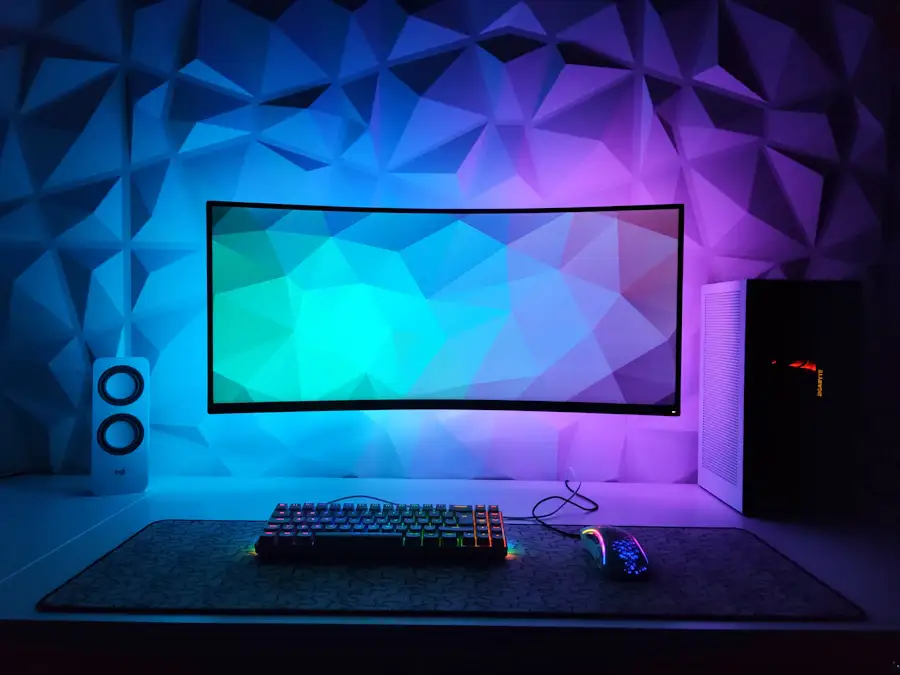
The surface area and size of the mouse pad directly determine the range of your movements. A pad that’s too small forces you into constant micro-corrections - wrist in extension, elbow raised, shoulder contracted. Conversely, an XXL mouse pad (often called a desk mat) allows you to place the keyboard and mouse in an optimal comfort zone, elbows at 90°, shoulders relaxed.
A mouse pad positioned too far from the body is one of the main causes of neck tension among remote workers.
The density and thickness of the pad also play a role: a rigid or too-thin pad isn’t enough to absorb the micro-impacts of the wrist. Models with memory foam, or with a thick rubber base (3 to 5 mm), offer better cushioning and naturally stabilize the forearm.
Wrist ergonomics: the key role of the wrist rest
The wrist is the most stressed joint when using a mouse. Repeated ulnar or radial deviation - meaning lateral tilting of the wrist - can eventually cause carpal tunnel syndrome or tendinitis. For more on this topic, check out our complete guide on wrist health and alignment.
Integrated or separate wrist rest?
Mouse pads with integrated wrist rests (gel or foam) keep the wrist in a neutral position, which mechanically relieves the shoulder and reduces neck tension. Here are the criteria to check:
- Wrist rest height: ideally aligned with the mouse surface, without excessive elevation
- Material: memory gel is more comfortable over time than standard foam
- Width: sufficient to support the entire wrist, not just the heel of the hand
A pad without a wrist rest isn’t necessarily bad - if your desk is properly adjusted in height and your mouse is close enough to your body, natural support may be adequate. At BuddyPad, we’ve found that users who adopt an ergonomic mouse pad report reduced shoulder pain within the first few weeks.
Positioning your mouse pad correctly to protect your back
A good mouse pad is useless if poorly placed. Positioning is often neglected, yet it determines your entire seated posture.
Basic rules for optimal placement
Place your mouse pad as close to your body as possible, so that your elbow is bent at about 90-100° when your hand rests on the mouse. Your arm should not be extended. If you’re using an XXL desk mat, position the keyboard-mouse ensemble so that both peripherals are on the same horizontal plane, equidistant from your shoulders.
It’s also essential to couple this adjustment with good overall workstation setup. We detail all these points in our article on ergonomic office setup, which covers chair, screen, and lighting adjustments for a complete setup.
Some concrete benchmarks:
- The front edge of the pad should align with the front edge of the desk
- The mouse should never be positioned behind the shoulder line
- With dual monitors, center the pad relative to your primary screen

Choosing the right mouse pad based on your use and body type
There’s no universal mouse pad. The choice depends on your type of activity, hand size, and setup.
Gaming vs office work: different needs
Gamers often prefer speed surfaces (smooth) with low resistance, for broad, fast movements - which generally requires an XL or XXL mouse pad to avoid limitations. Office users, on the other hand, prefer control surfaces (slightly textured) offering more precision and better wrist support at rest.
For tall people or those with broad shoulders, a mouse pad of at least 35 x 16 inches is recommended. For compact setups (mini-ITX, small desks), a medium pad of 24 x 12 inches may suffice - provided you follow the proper placement described above.
You’ll find our full range, sorted by size and use, in our store. And if you want to explore other topics related to setup optimization, our blog regularly offers practical guides and comparisons.
Frequently asked questions
Can a mouse pad really reduce back pain?
Yes, indirectly: by stabilizing the position of the wrist and forearm, a well-positioned ergonomic mouse pad reduces tension on the shoulder and trapezius, which relieves the cervical and back chain over the long term.
What size mouse pad should I choose for all-day office use?
For intensive use of 8 hours or more, an XL mouse pad (at least 32 x 16 inches) with integrated wrist rest is recommended, as it provides enough surface for optimal elbow placement and reduces muscle fatigue.
Should I prefer a hard or soft mouse pad for ergonomics?
Soft mouse pads with memory foam or a thick rubber base (3 to 5 mm) are generally better for ergonomics, as they better absorb wrist micro-pressure and stabilize the forearm.
Take care of your posture, choose the right equipment
A well-chosen and correctly positioned mouse pad can radically transform your comfort at the office. Combined with proper chair and screen adjustment, it becomes a real preventive tool against neck and back pain. Don’t let a “secondary” accessory compromise your long-term health. Discover our selection of gaming and office mouse pads at BuddyPad and find the ideal model for your setup, body type, and work habits.