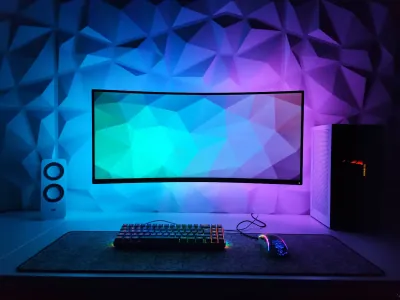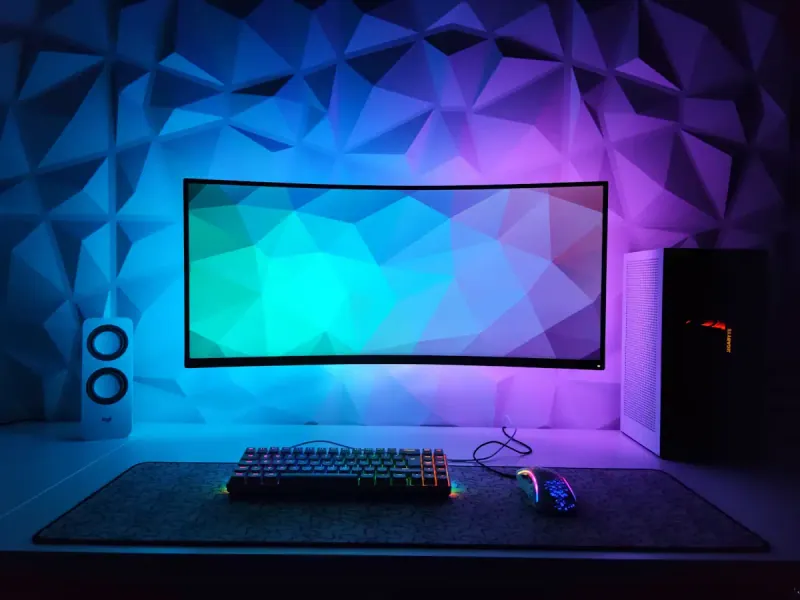
You invest in a premium gaming mouse, you optimize your DPI settings, you fine-tune your setup - and then you place all that on a mouse pad chosen on a whim? This is one of the most frequent gaming mouse pad mistakes we see. Yet the mouse pad is the only peripheral in permanent contact with your mouse: it directly conditions your precision, your reaction speed, and even your comfort during long sessions. At BuddyPad, we’ve found that most gamers underestimate this equipment when buying - and regret it. Whether you play competitively or are building a high-performance desk setup, choosing and using your mouse pad correctly makes a real difference. In this article, we review the five most common mistakes, with concrete tips to avoid them right now.
Misjudging the size you actually need
The XXL format isn’t just about aesthetics
The first mistake is choosing a mouse pad that’s too small relative to your play sensitivity. A player configured for low DPI (400-800 DPI, common in competitive FPS like CS2 or Valorant) performs wide arm movements. On a standard 35 x 25 cm pad, they’ll regularly run off the edge - which breaks fluidity and generates involuntary micro-corrections.
An XXL mouse pad (90 x 40 cm minimum) lets you play at low sensitivity without ever being limited by the surface.
Conversely, a MOBA or RTS player at high sensitivity can get by with a medium format. The key is to analyze your DPI configuration before buying. At BuddyPad, we systematically recommend testing your actual play area by measuring the amplitude of your mouse movements on your desk before any purchase.
Think about the keyboard too
A desk mat format (covering the entire desk surface) also protects the keyboard and unifies your setup’s aesthetics. This is an often-overlooked point that matters in the long run.
Ignoring the surface: cloth, hard, or hybrid?
Choosing the surface type is probably the most important technical decision - and the most often rushed.
- Soft cloth surface: precise control, ideal for accuracy-focused players, comfortable for the wrist
- Hard surface (hard pad): fast glide, near-instant response, preferred by speed players
- Hybrid surface: speed/control compromise, versatile
Many buyers base their choice solely on price or visual appearance. That’s a mistake. The surface texture directly impacts the tracking consistency of your optical sensor. A pad that’s too smooth can saturate the sensor, a pad that’s too rough needlessly tires the wrist.
Check out our complete buying guide if you want to compare each surface type with objective criteria. At BuddyPad, we’ve found that medium-density cloth mouse pads (between 3 and 5 mm thickness) offer the best balance for most player profiles.
Neglecting the non-slip base and edge finishing
A sliding base ruins everything
A mouse pad that moves during play is a major source of frustration - yet avoidable. Entry-level mouse pads often use a thin rubber base that grips poorly on polished or glass desks. Result: the pad gradually migrates, you constantly reposition it, you lose focus.
A good gaming mouse pad must feature a thick natural rubber base, with a mesh or honeycomb texture to maximize grip. This is a criterion you’ll find detailed on our quality gaming mouse pads.
Stitched edges: detail or necessity?
Unstitched edges fray within a few weeks of intensive use. A stitched edge - double-thread overlock - guarantees significantly superior durability and prevents fibers from disrupting mouse glide at the surface edge. This isn’t a luxury, it’s a fundamental quality criterion.
To diagnose problems related to wear or edge peeling on an existing pad, consult our dedicated page on solutions to common problems.
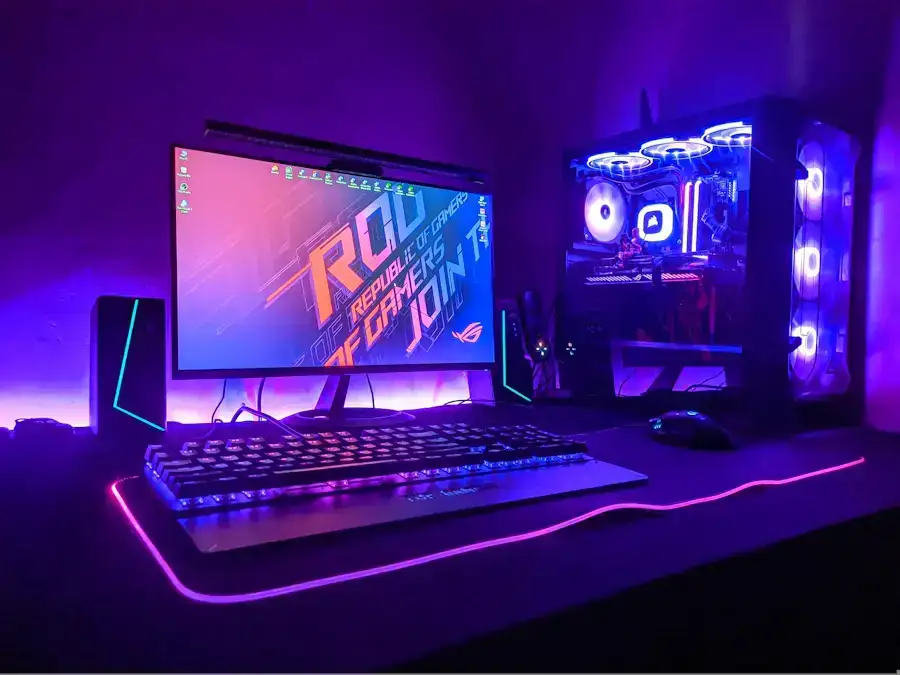
Underestimating RGB lighting’s impact on mouse pad choice
The mistake here isn’t choosing an RGB mouse pad - it’s picking one solely for its lighting without evaluating the surface quality.
Some LED mouse pads sacrifice performance for visual spectacle: surface too rigid around LED modules, uneven thickness, awkwardly positioned bulky USB cable. Result: a pad that glows but actually degrades the gaming experience.
A good RGB mouse pad with integrated LEDs must offer a homogeneous glide surface, proper thermal management (LEDs heat slightly during long sessions), and stable software synchronization. Also check the USB cable length and quality - too short or too rigid, it creates mechanical stress on the connector.
On our blog, you’ll find in-depth comparisons on RGB mouse pads to identify models that truly combine performance and aesthetics.
Frequently asked questions
What thickness should I choose for a gaming mouse pad?
A thickness between 3 and 5 mm is ideal for most gamers: it properly absorbs desk micro-vibrations while offering a stable and predictable surface for the mouse sensor.
Can you wash a gaming mouse pad without damaging it?
Yes, most cloth mouse pads can be hand-washed in cold water with mild soap - absolutely avoid the washing machine and dryer, which deform the rubber base and degrade the stitched edges.
Does a mouse pad really improve in-game performance?
Yes: a mouse pad suited to your DPI sensitivity and play style improves tracking consistency, reduces wrist fatigue during long sessions, and eliminates inaccuracies caused by an unsuitable surface.
Avoiding these five mistakes will let you get the most out of your mouse and concretely improve both your comfort and performance. Format, surface, grip, finishing, and lighting: every criterion counts. Explore our store to discover the BuddyPad selection and find the mouse pad perfectly suited to your setup - whether you play competitively, work at a desk, or simply want to upgrade your workspace.