What if your desk became a living photo album? Every day, millions of people spend hours in front of their screens, rest their hands on a plain mouse pad, and don’t even notice that square piece of material that occupies such a central place in their setup. The custom photo mouse pad completely changes the game: it transforms a functional accessory into an object charged with emotion and meaning. Whether you want to immortalize a family photo, display your gaming team’s logo, or simply add a unique touch to your desk, this solution combines utility and personality. At BuddyPad, we’ve helped thousands of customers with this project, and satisfaction is always guaranteed.
Why choose a mouse pad with your photo?
The mouse pad is one of the few peripherals you see constantly, even when you’re not actively using your PC. That’s precisely why it deserves special attention. A standard pad fulfills its technical function - glide, stability, optical sensor precision - but it says nothing about you.
A custom pad, on the other hand, tells a story. There are many uses:
- Wedding or birth photo to give as a gift
- Sports or esports team photo for daily motivation
- Travel landscape or artwork for an inspiring desk
- Pet portrait for animal lovers
At BuddyPad, we’ve found that photo mouse pads are one of the most appreciated gifts from our customers, especially for occasions like birthdays or holidays.
To explore the different customization options available, go directly to the create a custom mouse pad page and configure yours in just a few clicks.
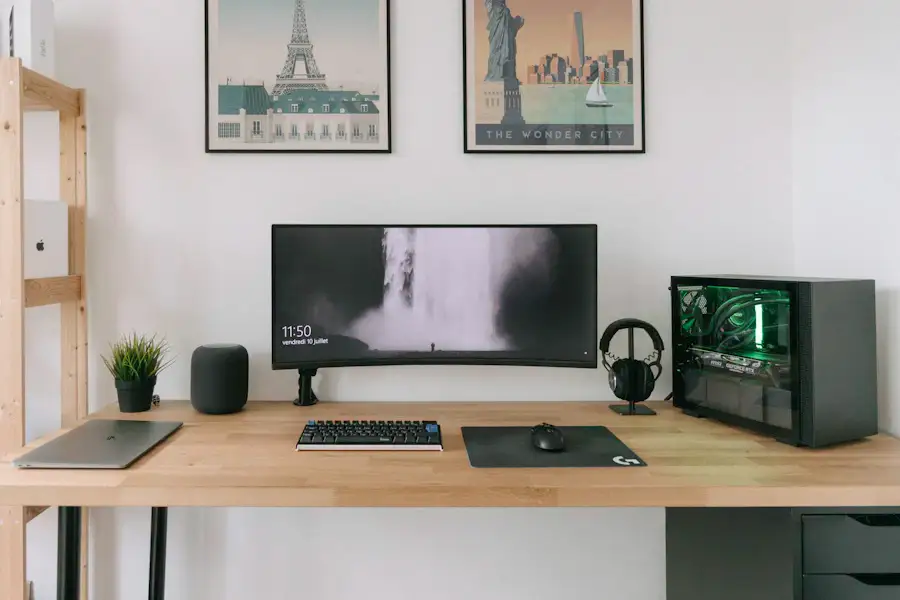
Choosing the right format and technical options
Format and dimensions: think big
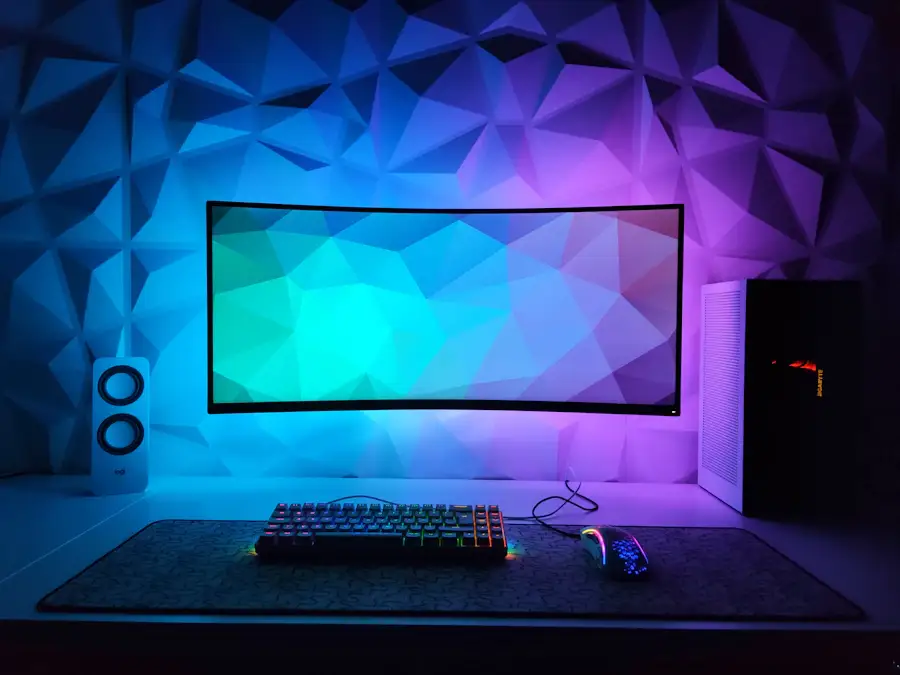
The pad size directly influences the visual rendering of your photo. A format that’s too small will compress the details; a large format will display the image in all its richness. That’s why we strongly recommend XXL mouse pads to display your photos: with dimensions typically exceeding 800 x 300 mm, they offer a true visual surface while covering keyboard, mouse, and forearms.
Print quality and resolution
For sharp and accurate rendering, your source image resolution is crucial. Here are the rules to remember:
- Recommended minimum: 300 DPI for crisp printing
- Ideal file format: PNG or high-definition JPEG, without excessive compression
- Source dimensions: favor an image whose width exceeds 3000 pixels
A photo taken with a recent smartphone (12 to 200 megapixels depending on the model) works perfectly. However, a screenshot or an image from social media will often be too compressed for a professional result.
Surface and materials
Surface choice remains crucial even on a photo mouse pad. A speed surface promotes fast glide - ideal for FPS games - while a control surface offers more friction and precision. The non-slip base in natural rubber guarantees pad stability, even during intense gaming sessions. To go further on these criteria, our guide on choosing your mouse pad will give you all the keys.
What style for what use?
Minimalist look revisited
A photo mouse pad isn’t necessarily busy or loud. A black and white photo, a clean architectural shot, or a subtle portrait can fit perfectly into a minimalist setup. If you like discrete designs, check out our minimalist mouse pad range for inspiration from current trends before customizing yours.
Identity-driven gaming setup
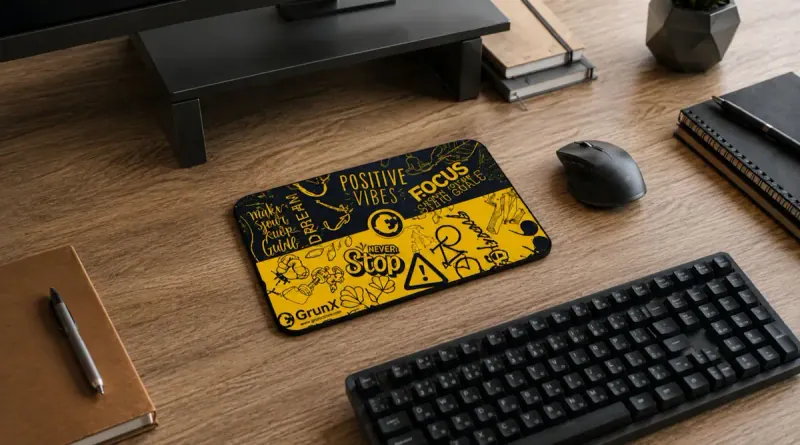
In the gaming world, visual identity is paramount. Streamers and professional players customize their gear to reinforce their brand image. A pad with your username, logo, or custom illustration becomes a strong element of your setup and marks your territory on your desk.
Original and memorable gift
The photo mouse pad is probably one of the most original gifts for a tech, gaming, or work-from-home enthusiast. Delivered in its packaging, it always surprises. And unlike a figurine or photo frame, it’s actually used every day - which gives it lasting sentimental value.
Frequently asked questions
What image resolution is needed for a quality photo mouse pad?
For sharp rendering on a large format, a resolution of 300 DPI minimum is recommended, with a source width of at least 3000 pixels. Photos taken with a recent smartphone are generally sufficient.
Does a photo mouse pad withstand intensive gaming use?
Yes, provided you choose a model with fade-resistant printing and a thick natural rubber base. The print is protected by a woven surface that withstands repeated friction over the long term.
Can you wash a custom mouse pad without damaging the photo?
It's advised to hand wash in cold water, with mild soap, avoiding machine washing and hot drying which could alter the print colors.
Your setup deserves better than a generic pad
A custom photo mouse pad brings together the best of both worlds: the technical performance of a quality gaming or office accessory, and the personal dimension of an object that reflects you. Whether to treat yourself or give a memorable gift, it’s a choice you won’t regret. Find all our models and advice on our blog, and explore our store now to find the ideal pad that will give your setup a truly unique identity.