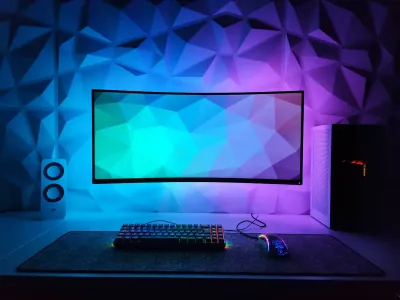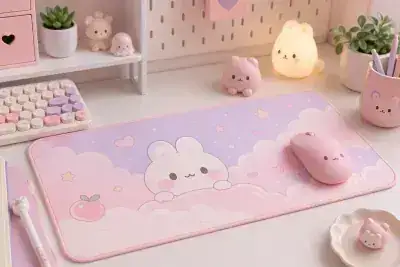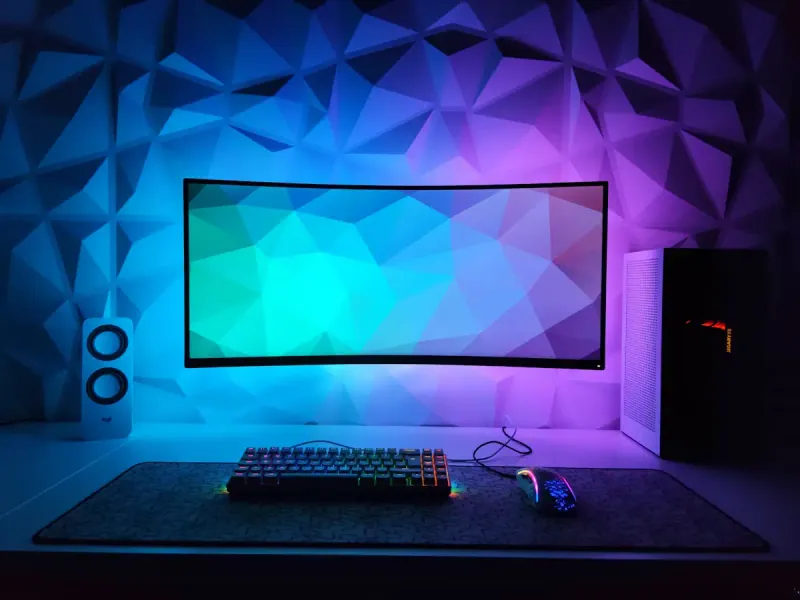
Too many screens, too many cables, too many useless objects cluttering your workspace… If you’re looking for a productive minimalist desk setup, you’re not alone. More and more creators, gamers, and remote workers are choosing simplicity to regain clarity and focus. But adopting a minimalist setup doesn’t mean depriving yourself - it’s actually a precision exercise where each element gains importance because it’s been carefully chosen. At BuddyPad, we see this trend intensifying every day - clean, cohesive setups where the desktop surface becomes visible again. In this article, we’ll explain how to do more with less, which peripherals to prioritize, and how your work surface can become the starting point for a radical transformation of your desk.
Why minimalism genuinely boosts productivity
The link between visual clutter and cognitive performance is now well documented. According to a Princeton University study, a disorganized environment reduces concentration capacity and increases cortisol levels (the stress hormone). Simply put: every unnecessary object on your desk costs you mental energy.
A minimalist setup therefore acts on several levers simultaneously:
- Reduction of visual noise
- Better workflow organization
- Time saved searching for objects
- Sense of control and serenity
“It’s not what you add that improves a setup, it’s what you remove.”
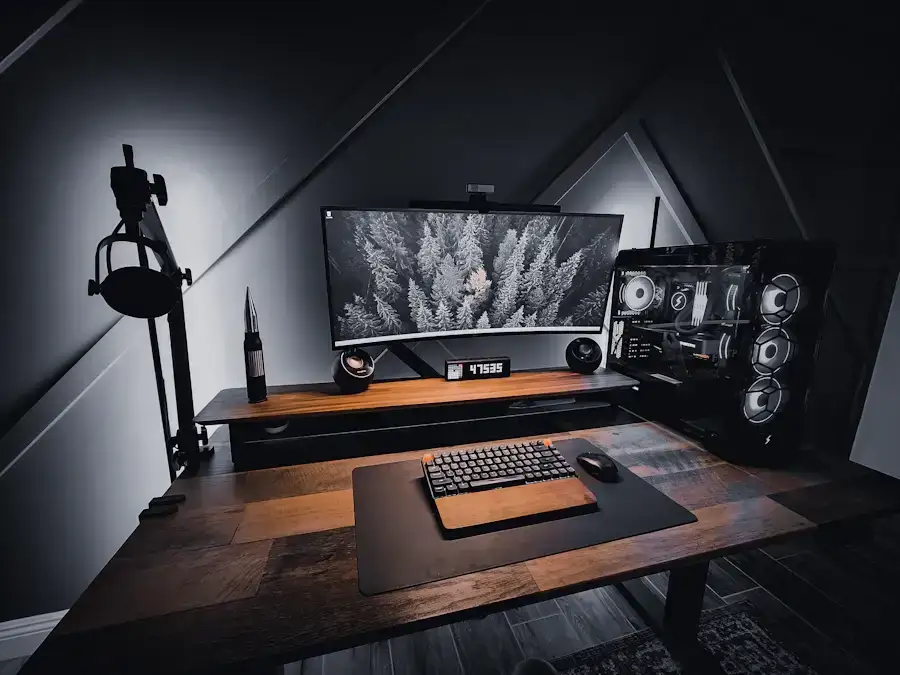
At BuddyPad, we’ve found that users who adopt a clean desk mat as the foundation of their desk report a clear improvement in their sense of “being organized.” The unified surface visually erases the heterogeneous wood or metal of the desk, and instantly gives cohesion to the whole. To go further on this topic, we recommend our article on how to create a clean and cohesive desk.
Decluttering: the 5-object rule
An effective method is to keep only 5 objects on your desk permanently: your screen, your keyboard, your mouse, a notebook, and a light source. Everything else must have dedicated storage or disappear.
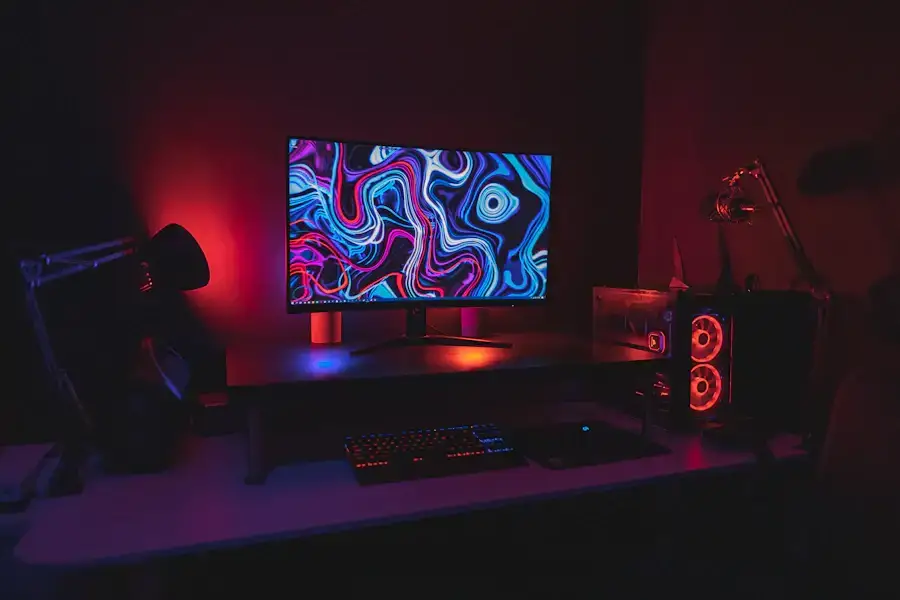
Choosing the right peripherals for a clean setup
A minimalist setup relies on rigorous equipment selection. The goal: zero visible cables, zero duplicates, zero useless gadgets. Here are the criteria to apply to each peripheral.
Keyboard and mouse: the essential duo
Favor a tenkeyless keyboard (without numeric keypad) or even a 65% format if you don’t use function keys daily. In gaming as in office work, these compact formats free up up to 40% of surface on your desk. Paired with a lightweight mouse under 80 grams, the combo becomes almost invisible.
Cables and connectivity: war on entropy
Invest in rigorous cable management:
- Adhesive clips under the desk
- Braided sleeve to group cables together
- Centralized USB hub to limit multiple wires to the tower
One well-managed cable is better than three “spaghetti” cables. For additional advice on setting up your workstation, check out our guide on essentials for setting up your home office.
The mouse pad, invisible foundation of the minimalist setup
It’s often the detail we underestimate, and yet: the mouse pad is the surface you look at during all your working hours. It sets the visual tone for your entire setup.
In a minimalist desk, we ban aggressive patterns and flashy logos. We look for:
- Neutral colors: matte black, charcoal gray, beige, off-white
- A plain surface, without graphic overload
- Generous dimensions to unify keyboard and mouse on the same area
This is precisely the spirit behind our minimalist mouse pads, designed to integrate into demanding setups without ever imposing themselves. If you work on a large desk or in a multi-screen configuration, a clean XXL desk mat will allow you to cover the entire work area with a single element - cleaner, more unified, and more practical.
Material and finish: the right choices
For a premium look, go for high-density cloth surfaces with stitched edges - they resist wear and avoid the frayed effect after a few months. The ideal thickness for wrist comfort in office work is between 3 and 4 mm.
Maintaining your minimalist setup over time
Adopting a minimalist setup is one thing, maintaining it is another. The natural tendency is gradual accumulation: a cable here, an accessory there… In a few weeks, chaos returns.
At BuddyPad, we’ve observed that users most satisfied with their desk are those who have established a weekly reset routine: 5 minutes every Friday to clear the desk of everything that doesn’t belong there.
Some concrete habits to adopt:
- A storage box under the desk for “in-transit” objects
- An end-of-day protocol: screen off, desk cleared
- An entry/exit rule: if an object enters, another leaves
Our blog is packed with practical tips to improve your setup throughout the seasons, whether you’re a gamer, remote worker, or simply a fan of well-designed desks.
Frequently asked questions
Is a minimalist setup also suitable for gamers?
Absolutely. Many professional gamers adopt clean setups to reduce visual distractions and gain precision. A plain high-density cloth desk mat and a compact keyboard are enough to create an efficient and aesthetic space.
What size mouse pad should I choose for a minimalist desk?
An XXL format (800 x 400 mm minimum) is ideal: it unifies the entire keyboard-mouse area under the same surface, which gives a cleaner and more cohesive look than two separate accessories.
How do I choose a mouse pad that fits into a minimalist setup?
Favor a neutral color (matte black, gray, white), a surface without visible logo, and stitched edges for durability. Avoid RGB finishes or overly graphic patterns that break the visual harmony of the desk.
The perfect surface awaits you
A productive minimalist desk setup isn’t built in a day, but every choice counts - starting with the surface on which all your equipment rests. Whether you’re starting from scratch or optimizing what exists, BuddyPad supports you at every step. Discover our store to find the ideal mouse pad that will become the silent foundation of your new desk - clean, efficient, and durable.