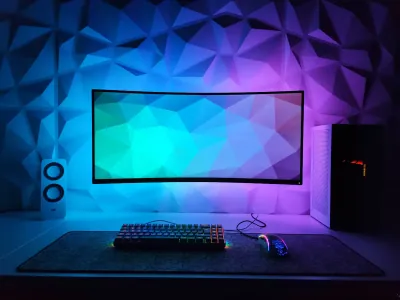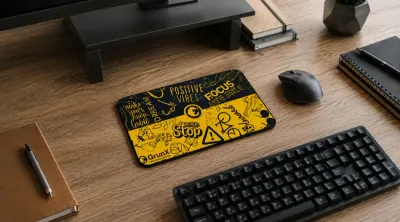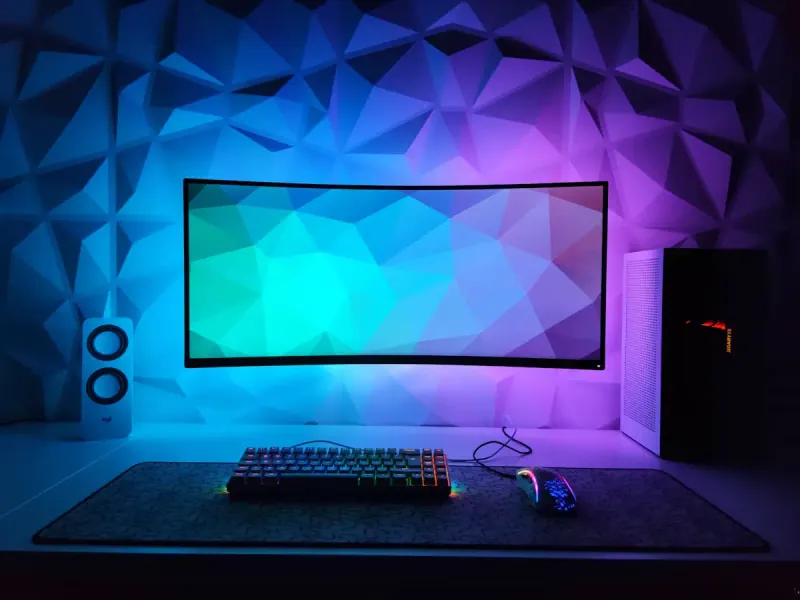
Choosing the right mouse pad size is one of the most underestimated decisions when building or optimizing your setup. Yet, the wrong size can ruin in-game precision, cause shoulder pain, or simply make your desk less functional. The gaming mouse pad size you choose depends directly on your mouse sensitivity (DPI), your play style, the available space on your desk, and your primary use. At BuddyPad, we’ve helped thousands of gamers and remote workers make this choice, and confusion between S, M, L, XL, and XXL formats comes up consistently. This guide is here to end that. Whether you’re a competitive gamer, creative professional, or simply seeking a more ergonomic desk, you’ll find concrete answers here, without unnecessary jargon.
Understanding formats: from S to XXL, what the dimensions really mean
Mouse pads are generally classified into five main sizes. Here are the most common ranges on the market:
- S format: approximately 200 x 250 mm - ideal for small desks or high-sensitivity gamers
- M format: approximately 300 x 250 mm - the versatile compromise, suitable for standard office work
- L format: approximately 400 x 450 mm - increased comfort for intermediate gamers
- XL format: approximately 800 x 300 mm - covers keyboard and mouse, very popular in gaming setups
- XXL format: 900 x 400 mm and beyond - covers the entire desk
A pad that’s too small forces the mouse to “run off” the surface during wide movements, which breaks game flow and fatigues the wrist.
At BuddyPad, we’ve found that most gamers underestimate their surface needs on their first purchase. An M format often satisfies standard office work, but as soon as you switch to low sensitivity in FPS games, L format becomes the recommended minimum. To dig deeper into this question, our article on XXL vs standard mouse pads details the differences in real-world conditions.
Which format for your use: gaming, office work, or hybrid setup?
Competitive gaming and FPS
FPS players in games like CS2 or Valorant often use low sensitivities - between 400 and 800 DPI - which requires wide, fluid arm movements. In this context, an L format minimum is recommended, and XL or XXL format quickly becomes essential. High-performance gaming mouse pads are specifically designed to meet these glide and precision requirements on large surfaces.
Office work and remote work
For office use, the priority is wrist ergonomics and fluidity during short movements. An M or L format is sufficient in most cases. The advantage of a larger pad remains desk protection and the overall visual comfort of the setup.
Hybrid setup and aesthetics
Modern setups often combine work and gaming. An XL or XXL format then allows you to place keyboard, mouse, and even forearms on a unified surface, which reduces muscle tension during long sessions. Our best mouse pad in 2026 reviews the best models for each use.
The DPI rule: the direct link between sensitivity and pad size
This is the most technical criterion but also the most reliable for choosing your size. The lower your DPI, the more surface you’ll need to move your cursor from one edge of the screen to the other.
- 800 DPI and below: L or XL format required, XXL recommended for wide screens
- 800 to 1600 DPI: M to L format depending on gaming habits
- 1600 DPI and above: S or M format may suffice, especially for office work
At BuddyPad, we always recommend choosing one size up from what you think you need. It’s easier to adapt to a large surface than to one that’s too small.
For gamers looking to cover their entire desk width, XXL gaming mouse pads offer dimensions up to 1200 x 600 mm, compatible with multi-monitor setups.
Desk size, space constraints, and practicality: physical limitations not to overlook
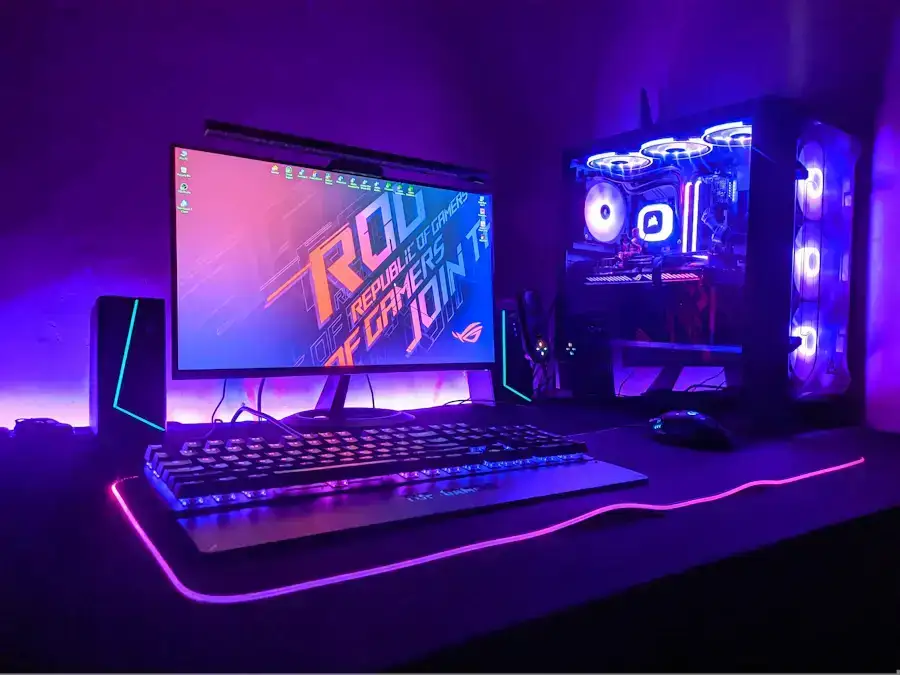
Wanting an XXL isn’t enough: your desk needs to accommodate it. A standard desk measures 120 x 60 cm. An XXL pad of 900 x 400 mm will therefore occupy three-quarters of the available width, which can be problematic if you place other peripherals or speakers up front.
A few points to check before buying:
- The usable depth of your desk (free space between the screen and front edge)
- The presence of a sliding drawer that reduces available surface
- Use of an articulating monitor arm, which frees up space and makes an XXL more suitable
You can browse our entire store to filter pads by size and find the one that matches your exact constraints. And if you want to explore other aspects of your setup, our blog gathers all our practical guides.
Frequently asked questions
What mouse pad size should I choose for gaming?
For gaming, especially in low-sensitivity FPS, an L format (400 x 450 mm) is the recommended minimum. If you play with less than 800 DPI or on a large screen, go directly for XL or XXL format.
Is an XXL mouse pad suitable for office work?
Yes, absolutely. An XXL pad offers increased comfort for forearms and protects the entire desk. It's perfectly suitable for intensive office use, provided your desk surface is large enough.
Can you use an M mouse pad for competitive gaming?
An M format can work if you play with high sensitivity (1600 DPI and above), but it will quickly become limiting for games requiring wide movements. In most cases, an L format or larger is preferable for serious gaming.
Find your ideal pad at BuddyPad
Choosing the right mouse pad size is primarily about understanding your use, your sensitivity, and your desk constraints. An M format will suit light office work, while XL or XXL will be essential for serious gaming or an immersive setup. Don’t let this detail limit your performance or comfort. Discover the BuddyPad selection now and find the pad perfectly suited to your setup, whatever your configuration.