RGB lighting on mouse pads has sparked debate ever since manufacturers started illuminating every square inch of our desks. Frivolous gimmick designed to drain the wallets of easily impressed gamers, or genuine asset for your setup? The question deserves an honest answer. RGB gaming mouse pad: the market is exploding, with models sometimes exceeding $80 for a simple illuminated surface. At BuddyPad, we’ve reviewed dozens of products to understand what actually justifies this premium - and what’s pure marketing. In this article, we break down arguments from both sides, give you concrete criteria to evaluate RGB’s value for your own setup, and help you make an informed choice. Because a mouse pad, RGB or not, remains first and foremost a precision tool.
What RGB actually brings to your setup
Visual impact and immersion: real or overrated?
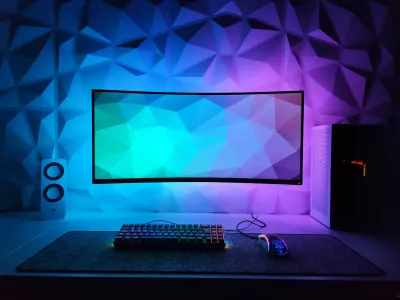
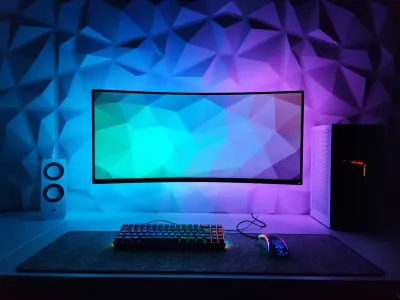
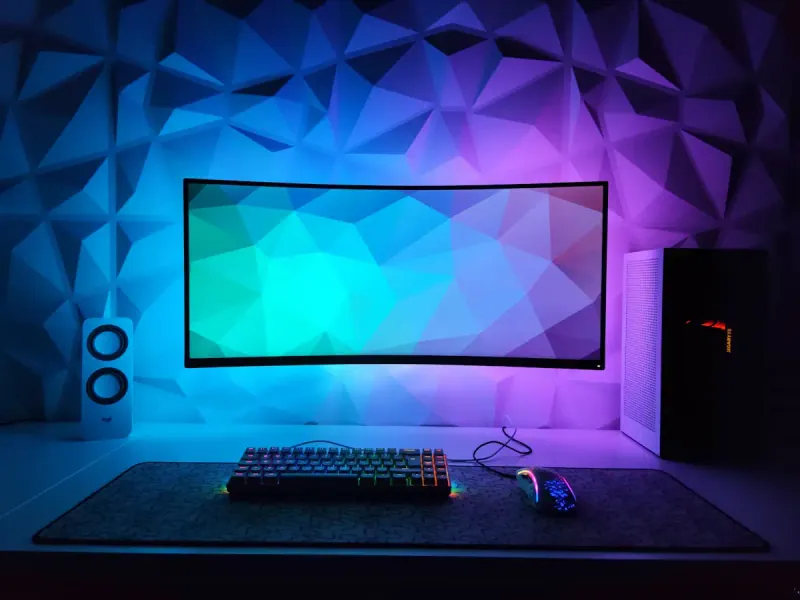
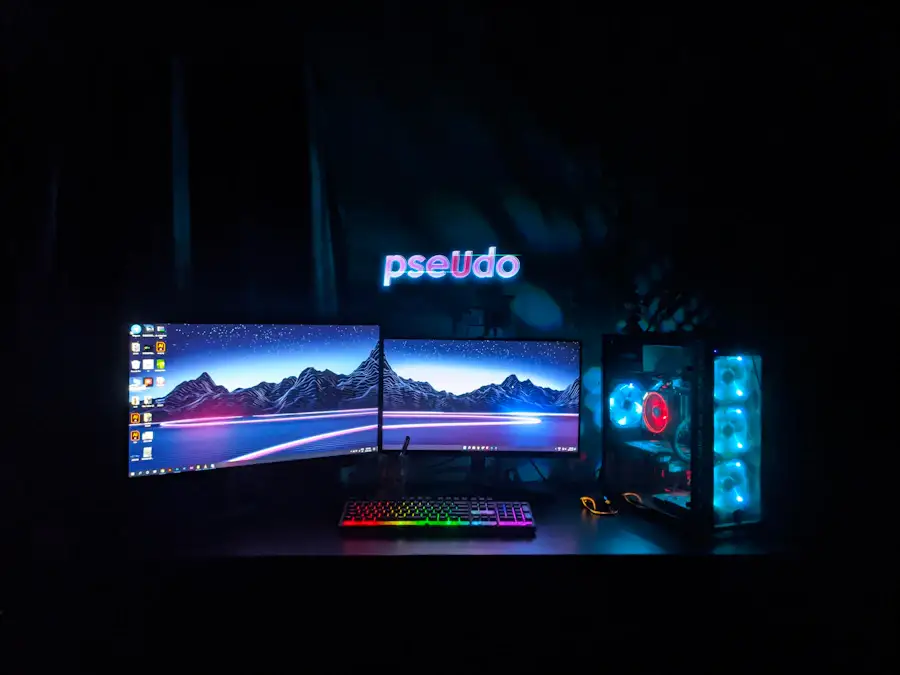
The visual effect of RGB on a mouse pad is undeniable. A luminous strip along the edges of a large gaming surface creates a cohesive atmosphere with the rest of your setup, especially in a dimly lit room. The halo effect produced by perimeter LEDs can even reduce eye strain during long nighttime sessions by softening the contrast between your bright screen and the surrounding darkness.
A cohesive RGB setup with matching monitor, keyboard, mouse and pad improves the overall experience - not just the look.
At BuddyPad, we’ve found that users who invest in an RGB pad rarely do so in isolation: they’re looking for visual coherence with their other peripherals. XXL pads in particular, which cover the entire desk surface, become true active decorative elements. Check out our complete RGB pad guide to see how to intelligently integrate this technology into your space.
What RGB doesn’t change - and this matters
Let’s be direct: RGB lighting doesn’t improve glide performance, tracking precision or wear resistance of a pad. These characteristics depend on the fabric or surface material, coating density and quality of the anti-slip base. A low-end RGB pad with mediocre surface will always be inferior to a high-quality gaming pad without RGB.
High-performance gaming pads are distinguished by their technical materials: micro-weave optimized for optical sensors, dense natural rubber base, stitched edges to prevent fraying. These criteria matter more than the presence of LEDs. RGB is an additional layer, not a quality foundation.
RGB and practicality: the concrete questions to ask yourself
Durability, connectivity and power
An RGB pad requires a USB cable to power the LEDs. This is a real constraint: extra cable to manage, USB port permanently occupied, risk of damage if the cable is fragile. Some premium models offer robust braided cables, but entry-level products often cut corners on this point.
LED durability also varies. Serious manufacturers claim lifespans exceeding 50,000 hours of operation, which is more than sufficient. However, if the integrated circuit fails, the pad becomes difficult to repair - unlike a classic pad that often lasts several years without any maintenance.
To properly evaluate these aspects before buying, check out our criteria for choosing wisely in 2026, where we detail essential checkpoints.
Customization and software compatibility
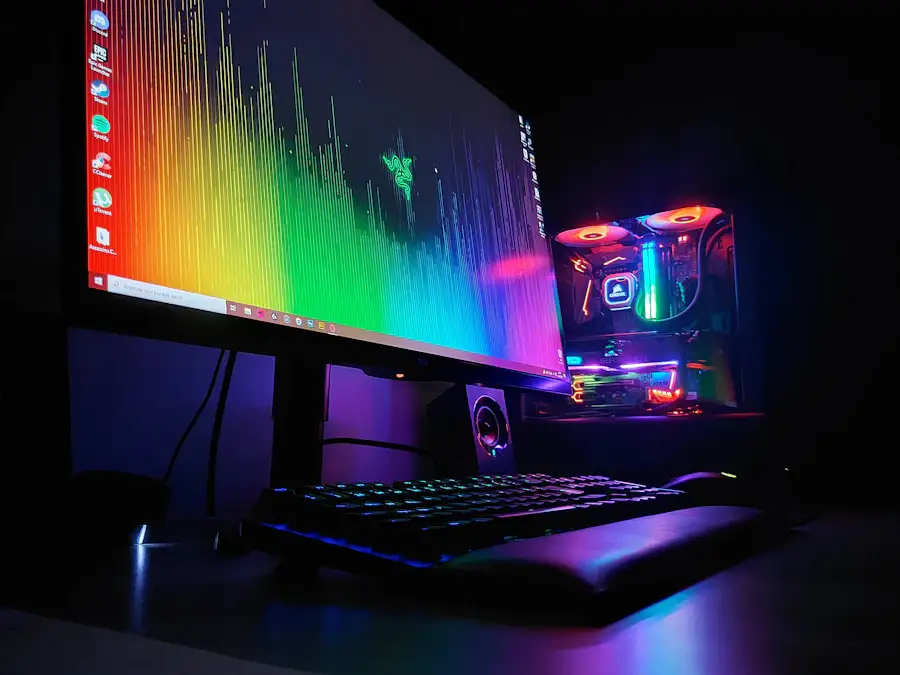
Most RGB pads are controlled via proprietary software (Razer Synapse, Corsair iCUE, SteelSeries GG…). Some models allow synchronization between peripherals from the same ecosystem, creating coherent lighting effects across your entire desk. This is where RGB becomes truly interesting - not for the light itself, but for system integration.
Problem: these programs consume resources, can generate conflicts, and some collect user data. If you prefer a simple, frictionless setup, RGB can become a source of unnecessary complications.
How to choose an RGB pad that’s actually worth its price
Before jumping on the first illuminated model you see, here are the objective criteria to verify:
- Playing surface: speed cloth (fast glide) or control (precision) depending on your gaming style
- Size: prioritize XXL formats (800x300 mm minimum) to cover mouse and keyboard
- Cable quality: braided and sufficiently long (at least 1.5 m)
- Base thickness: 4 mm minimum in natural rubber for good stability
- Software compatibility: verify compatibility with your other peripherals
Browse the RGB mouse pads available on our site to compare models based on these criteria - each product sheet specifies essential technical characteristics.
Frequently asked questions
Does RGB consume a lot of power on a mouse pad?
Power consumption is very low, generally between 1 and 3 watts, meaning negligible impact on your electricity bill. The USB cable is sufficient to power the lighting without taxing your PC's power supply.
Is an RGB pad compatible with all gaming mice?
Yes, the presence of RGB doesn't affect mouse compatibility. Any optical or laser mouse works on an RGB pad, regardless of brand.
Can you use an RGB pad for office work or only for gaming?
Absolutely - an RGB pad works perfectly for office use. You can simply disable the lighting via the software or dedicated button, and enjoy a quality surface without light distraction during your work hours.
Our verdict on RGB for your mouse pad
RGB on a mouse pad is neither a shameful gimmick nor a universal must-have. It’s a setup choice that makes sense if you’re looking for visual coherence, immersive gaming atmosphere, and you’re willing to manage the connectivity that comes with it. If pure performance is your priority, focus your budget on surface quality. Explore our shop to compare all categories, and find more practical advice on our blog to build the setup that truly fits you.