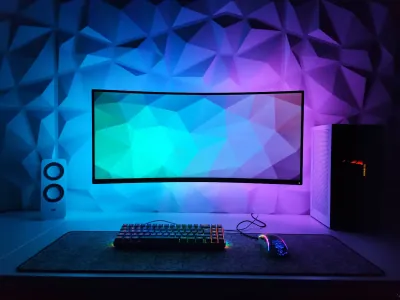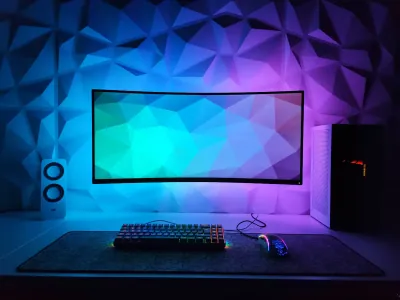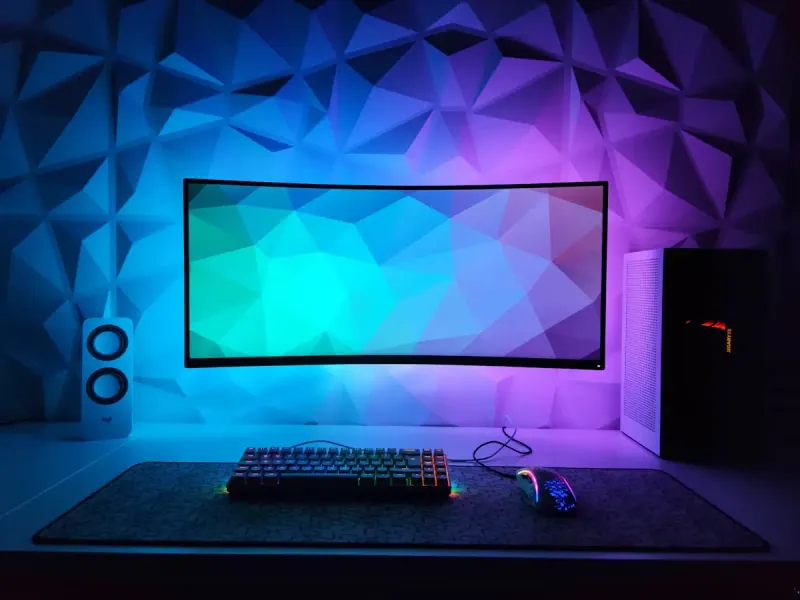
Struggling to choose between a gaming mouse pad and an office model for your workstation? The question comes up often, yet the answer isn’t as straightforward as it seems. The gaming vs office mouse pad debate touches on performance, daily comfort, and setup aesthetics. At BuddyPad, we regularly hear from users who work during the day and game at night at the same desk. The reality is that these two product categories follow very different logic - understanding these differences will help you make a truly informed choice based on your actual use, not marketing trends.
What really sets gaming pads apart from office pads
Precision, speed, and surface: gaming priorities
A mouse pad designed for gaming is optimized around three technical parameters: tracking precision, glide speed, and surface consistency. Gamers, especially in FPS (First Person Shooter) or MOBA titles, make between 50 and 200 micro-corrections per minute with their mouse. This demands a uniform surface, free of irregularities, capable of delivering consistent feedback with every movement.
The vast majority of gaming pads use tightly woven fabric or a speed coating that reduces friction. Some models offer a control side (slow, precise) and a speed side (fast, smooth). The non-slip natural rubber base is thick - often between 3 and 5 mm - to absorb sudden movements without shifting the pad.
You can explore our range of high-performance gaming mouse pads to see these characteristics applied in carefully selected products.
Office pads: comfort and discretion first
Office mouse pads follow a different logic: reduce fatigue over long sessions while fitting into a professional or minimalist environment. The typical user moves their mouse more slowly and deliberately - web browsing, word processing, spreadsheets. Absolute precision isn’t a priority.
What matters here is wrist comfort, coating durability over time, and a design that doesn’t clash in a clean workspace. Office pads often favor more compact formats (around 25 x 20 cm), soft materials like ribbed fabric or synthetic leather, and neutral aesthetics. If this approach fits you, our selection of minimalist office mouse pads offers models designed for this precise use.
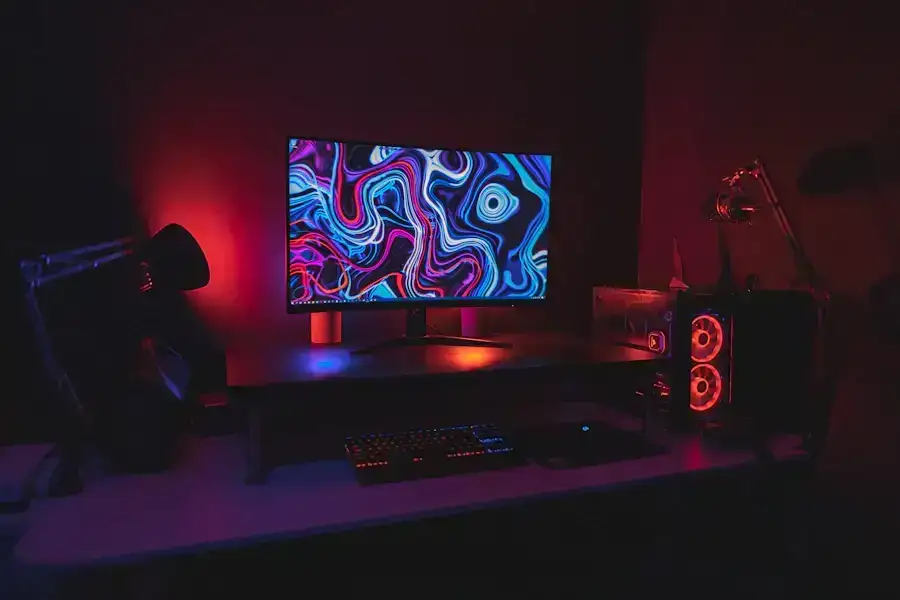
Size, material, and format: the right criteria for your use
XXL format: gaming or multi-purpose?
The XXL format - typically 800 x 400 mm or larger - is often associated with gaming, but it’s gaining ground in hybrid setups. Placing keyboard and mouse on the same surface reduces sound impacts, protects the desk, and unifies aesthetics. At BuddyPad, we’ve found that over 40% of XXL pad buyers use them primarily in office or hybrid contexts - not exclusively for gaming.
Material choice is just as critical as size. Cloth or hard surface? Each option has advantages depending on your mouse and habits. Our comparison of cloth and hard surface materials will help clarify this if you’re still undecided at this stage.
RGB and aesthetics: functional or gimmick?
RGB lighting is often seen as a pure gaming marker. In reality, it has no impact on pad performance - it’s an aesthetic choice. If your setup already includes synchronized RGB peripherals, an illuminated pad can make sense. However, in a professional or minimalist context, it can become a source of distraction.
BuddyPad tip: if you game at night and work during the day at the same desk, choose a pad without RGB but with solid tracking performance - you avoid the aesthetic compromise while keeping an optimal surface.
How to choose based on your actual profile
There’s no universal answer, but here’s a simple framework:
- Competitive gamer (FPS, RTS, esports): go for a speed or control cloth gaming pad, large format, thick rubber base
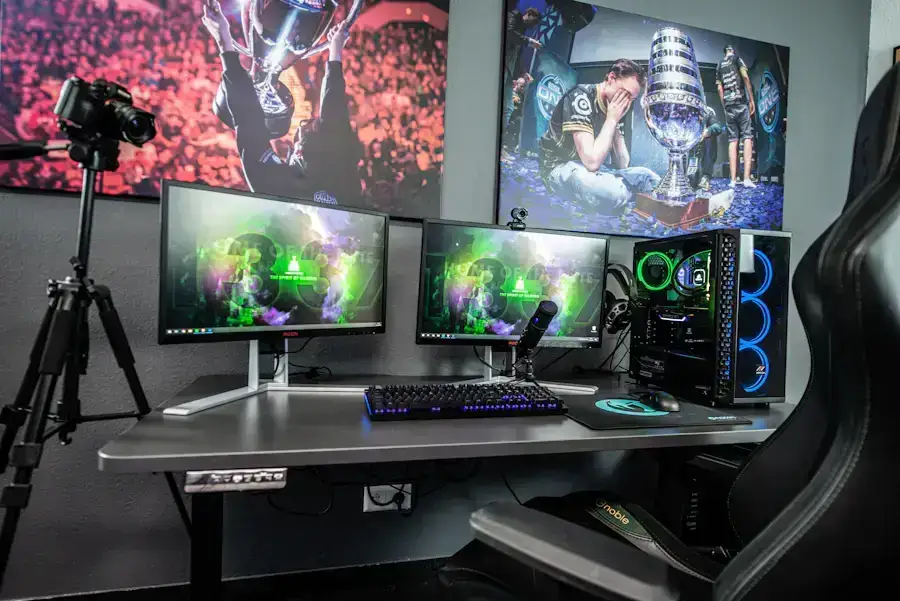
- Casual gamer + remote work: a versatile XXL cloth pad with dense fabric covers both uses without major compromise
- Professional or student: a compact office pad with soft material and neutral design is more than sufficient
- Advanced hybrid setup: a tightly woven cloth pad, 900 x 400 mm format, without RGB, is often the best compromise
To dive deeper into each selection criterion, our complete guide for choosing wisely covers all the parameters to consider in 2026. You’ll also find recommendations based on your mouse sensor type, an often-overlooked factor. And if you want to browse more setup and peripheral advice, our blog groups all our themed articles.
Frequently asked questions
Can a gaming mouse pad be used for daily office work?
Yes, a gaming pad works very well for office use. Its uniform surface and thick non-slip base even offer superior comfort compared to many standard office pads, especially during long sessions.
What pad size should I choose for a mixed gaming and remote work desk?
An XXL format of at least 800 x 400 mm is recommended for mixed use: it accommodates keyboard and mouse, reduces fatigue, and adapts equally well to gaming and daily work.
Does pad material really affect mouse performance?
Yes, material directly impacts glide speed and tracking precision. Tightly woven cloth favors precision, while a hard surface or speed coating improves speed - the choice depends on your usage style.
Find your ideal pad at BuddyPad
Choosing between a gaming and office pad is primarily about understanding how you actually use your desk. Performance, comfort, format, material - each criterion matters depending on your profile. Browse our store to discover the complete BuddyPad selection, organized by use and format. Whether you’re a gamer, remote worker, or both, you’ll find the surface that matches your setup exactly.