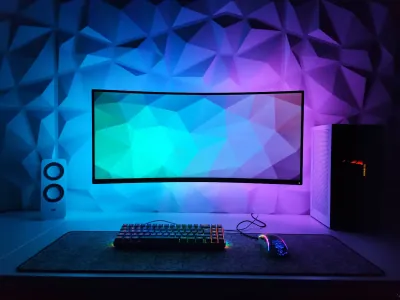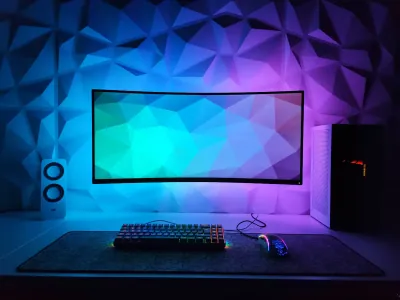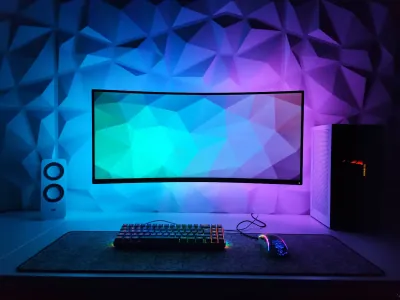
A cable dragging across the desk, catching on the edge of your mouse pad, or pulling on your mouse at the worst possible moment… this seemingly minor detail can be enough to ruin a match or disrupt an otherwise well-crafted setup. Gaming mouse cable management is often overlooked, yet it plays a real role in movement precision and overall workspace ergonomics. If you’re looking to optimize your gaming mouse cable desk organization, you’re in the right place. At BuddyPad, we’ve helped hundreds of gamers and professionals set up their workspace, and the cable question comes up every single time. In this guide, we’ll explain why it truly matters and how to fix it simply.
Why your mouse cable actually impacts your performance
We often underestimate the mechanical effect of poorly managed cables. When a cable exerts lateral tension on the mouse, it creates an imperceptible yet real resistance during fast movements. In first-person shooters (FPS) or real-time strategy (RTS) games, where every movement counts, this friction can throw off your aim or slow down a reaction.
Friction, a subtle enemy
A cable lying flat on a desk without a mouse pad creates variable contact points depending on the mouse’s position. Result: movements are never perfectly smooth. This is precisely why most competitive gamers use an XXL mouse pad that unifies the surface and reduces mechanical snags. At BuddyPad, we’ve found that gamers who switch to a large format immediately report better glide, mainly because the cable rests more evenly on a fabric surface.
Poor cable management can generate up to 15-20% additional resistance during fast mouse movements, according to tests conducted in the competitive community.
Mouse pad and cable: a combination to think through together
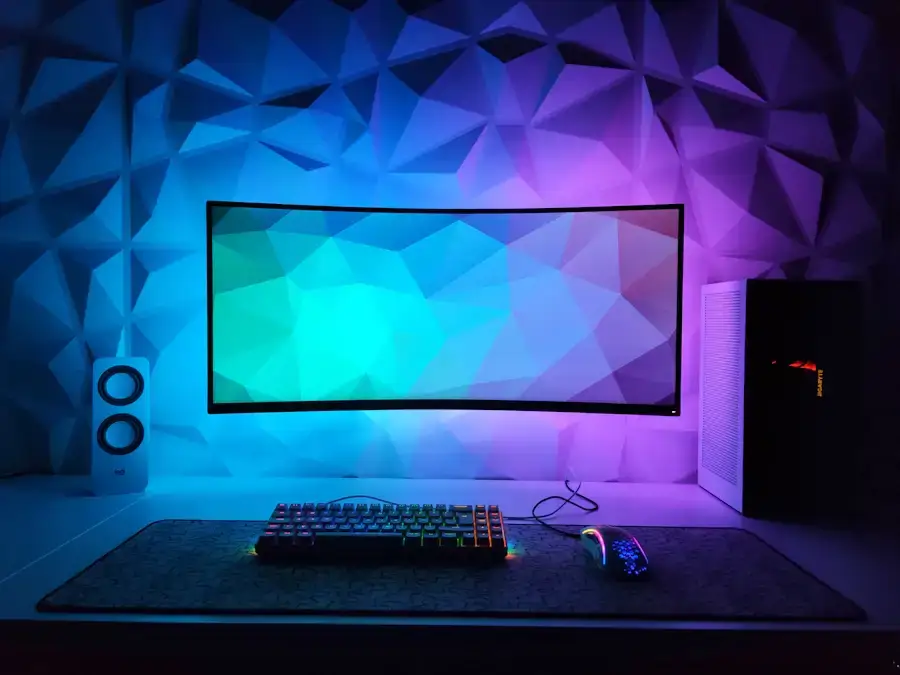
If you’re using an XXL gaming mouse pad, consider routing the cable over the back edge of the pad rather than along the side. This central position avoids snags and maintains virtually zero tension on the mouse when at rest.
The best solutions for organizing your gaming mouse cable
Several approaches exist to master this cable once and for all. Some are very accessible, others require minimal investment but deliver a truly clean result.
The mouse cable bungee
The bungee is the reference accessory in the competitive gaming world. It’s a small stand that holds the cable elevated and allows it to stretch freely without ever touching the desk. The mouse then glides as if it were wireless. The most reliable models feature a weighted non-slip base and a flexible arm. Expect to spend between $10 and $30 for a quality gaming bungee.
Velcro straps and cable guides
For a more discreet setup, velcro ties or adhesive cable clips let you route the cable along the desk, monitor arm, or column. It’s an effective solution for those wanting to create a minimalist desk without multiplying visible accessories. The goal: make the cable no longer a visual or mechanical obstacle.
Paracord cables: a lightweight alternative
Many gamers opt to replace the stock cable with a paracord cable, which is thinner and much more flexible. This type of cable naturally reduces resistance thanks to its ultra-light textile sheath. Some gaming mouse brands offer these cables as options, or you can find aftermarket versions for around ten dollars. Combined with a bungee, the result is nearly identical to a wireless mouse in terms of feel.
Integrating cable management into a cohesive aesthetic setup
A well-organized setup is also a pleasant one to look at. Cable management is an integral part of the overall aesthetic, and it can even become a style element in its own right.
Playing with colors and materials
If you have an RGB mouse pad for your setup, a color-matched braided cable or backlit bungee can reinforce the visual cohesion of the whole. At BuddyPad, we’ve found that the most polished setups are those where every element, including the cable, has been considered as part of a unified design. Also check out our selection of elegant designer mouse pads to find a model that matches your cable and equipment.
Check our blog to go further
Cable management is one brick among many in workspace optimization. If you want to dive deeper into other aspects, like desk selection, monitor positioning, or peripheral choices, our blog is packed with practical guides and comparisons written by enthusiasts.
Frequently asked questions
Is a mouse cable bungee really useful for non-competitive gamers?
Yes, even for casual use or office work, a bungee improves comfort by removing cable tension and making movements smoother in daily use.
Can you use a paracord cable with any gaming mouse?
Most aftermarket paracord cables use a standard micro-USB or USB-C connector, compatible with the majority of modern gaming mice - just verify your model's connector before purchasing.
How do you choose the right cable length for your setup?
For a standard desk, a cable between 6 to 6.5 feet is ideal: it offers enough slack to use a bungee while avoiding excess cable piling up on the desk.
A clean setup starts with the right accessories
Organizing your mouse cable is a simple gesture that truly makes a difference, both for performance and aesthetics. Bungee, velcro, paracord cable, or XL mouse pad: each solution brings its own improvement. Explore our store to discover our complete selection of gaming, XXL, and RGB mouse pads, designed to integrate perfectly into an organized and high-performance setup. Find the ideal mouse pad for your desk, and make every session a friction-free experience.