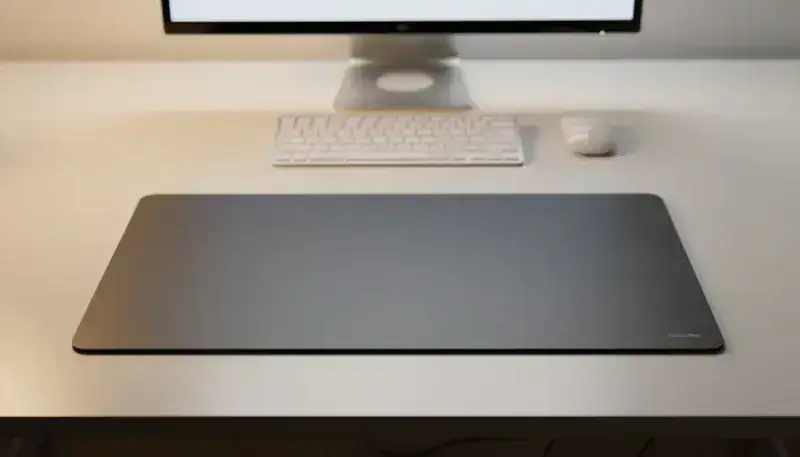
Cleaning a hard/plastic mouse pad: the complete guide
Why does your mouse pad accumulate so much dirt?
A hard mouse pad quickly accumulates dust, residue and finger marks, affecting your mouse accuracy and the look of your workspace. Many users don’t know how to properly clean this kind of surface without damaging it, fearing aggressive products. Yet there are simple, proven methods to restore your pad in a few minutes, with everyday products.
Why clean your hard mouse pad regularly
Impact on your mouse performance
Dust accumulation directly affects the optical accuracy of your sensor. Residues slow the glide and cause responsiveness loss. A grimy pad significantly reduces your performance, particularly in gaming or precision work. Cleaning every 2-3 weeks maintains optimal performance and hygiene.
Hygiene and durability
Beyond performance, your mouse pad becomes a hub for bacteria and dust mites. Dirt buildup also causes premature degradation of the plastic material. Regular cleaning considerably extends your equipment’s lifespan and creates a healthier work environment.
Equipment and products needed for effective cleaning
Recommended products: from gentlest to most powerful
- Lukewarm water and mild soap: the universal, safe solution
- Dry microfiber wipes for daily dusting
- 70% isopropyl alcohol for stubborn stains
- Diluted white vinegar as a natural alternative
If you’re looking for specialized cleaning accessories, check our complete catalog which offers kits suited to mouse pads.
Essential equipment
- Lint-free microfiber cloth
- Soft brush or old toothbrush
- Spray bottle
- Absorbent towels
Strictly avoid bleach, acetone and abrasive cleaners that damage your pad’s plastic.
Step-by-step cleaning method
Step 1: preparation and dusting
Start by unplugging your mouse to avoid any issue. Use a dry cloth to remove surface dust, then lightly run a soft brush over dirty zones. Tilt the pad to let debris fall naturally. This first step removes 60% of the dirt without chemical intervention.
Step 2: wet cleaning
Lightly spray the microfiber cloth with lukewarm soapy water, then wipe in circular motions. Focus particularly on heavy buildup zones like edges and center. The key is to avoid saturating the pad with water. A few sprays are enough.
Step 3: treating persistent stains
For stubborn stains, apply isopropyl alcohol to a corner of the cloth and gently rub. Let dry 30 seconds, then go over with a damp cloth and clear water to remove alcohol residue.
Step 4: drying and finish
Wipe with a dry cloth and let air-dry 10-15 minutes before use. Check the absence of moisture and test your mouse glide. Never fully submerge a hard pad: that’s the golden rule.
Tips for different hard pad types
Pad with textured surface
Use a soft brush to access the texture’s hollows. Slightly increase the cleaning time and check the absence of stagnant water in the relief. If you have a high-performance gaming pad, discover our gaming mouse pads designed for optimal cleaning.
Pad with special coating
First test your product on a discreet corner. Prefer water and mild soap rather than isopropyl alcohol on premium coatings, which could be damaged by overly aggressive products.
Pad with non-slip base
Clean the base separately if possible. Use a brush to remove embedded debris and check grip after cleaning to ensure your pad stays stable on your desk.
Mistakes to absolutely avoid
Common mistakes and their consequences
- Using hot water: warps the plastic
- Scrubbing too vigorously: scratches the surface
- Letting the pad soak: water infiltration
- Using aggressive chemicals: coating damage
Damage signs to watch for
Watch for discoloration, whitening, base grip loss or cracks. Gentle and regular cleaning prevents all these problems. If you notice abnormal surface roughness, stop immediately and let dry completely.
Preventive maintenance to reduce cleaning
Daily good practices
Keep your work zone clean and dry. Use a wrist rest to limit direct contact with the pad, avoid eating or drinking near your equipment, and run a dry cloth over it 1-2 times per week. These simple habits drastically reduce dirt buildup.
Storage and protection
Store your pad in a dry, temperate place, away from prolonged direct sunlight. If you don’t use it for a long time, use a protective cover to preserve it.
Conclusion: a durable, high-performing pad
A well-maintained hard mouse pad keeps its performance and look for years. By following this simple, regular method, you avoid dirt buildup and premature degradation. To deepen your accessory maintenance, check our complete mouse pad maintenance guide covering all aspects of upkeep.
Discover BuddyPad mouse pads with surface optimized for easy cleaning and maximum durability. Our complete range lets you find the model suited to your use, whether for gaming, work or creative leisure.